




RoleButtons offers Discord server owners a simple way to let members grab roles on their own through clickable buttons. This saves time and keeps things organized without constant admin input.
Getting Started
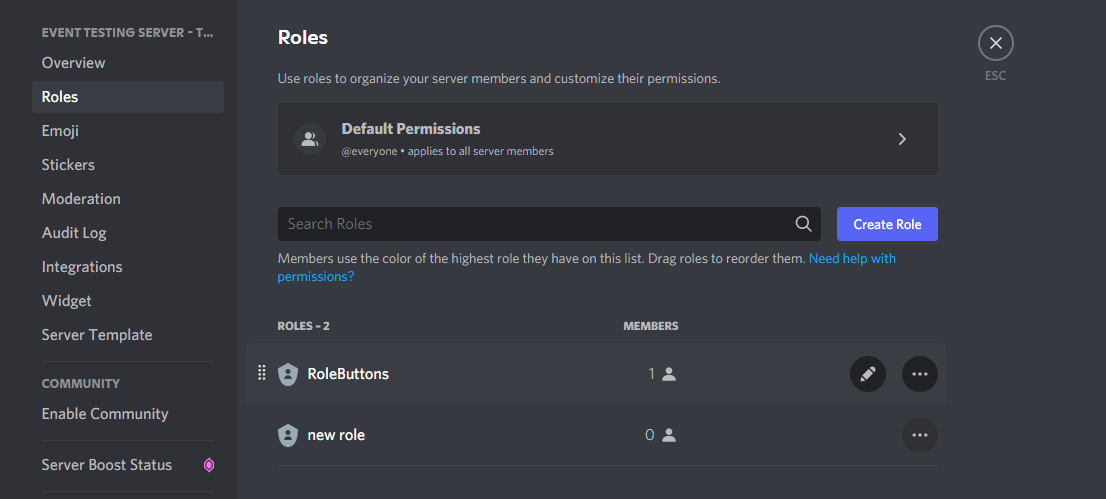
After adding the bot to your server it automatically creates a special role. Move that role higher in the list so it can assign others properly. The process takes just a minute or two.
Making Your First Button
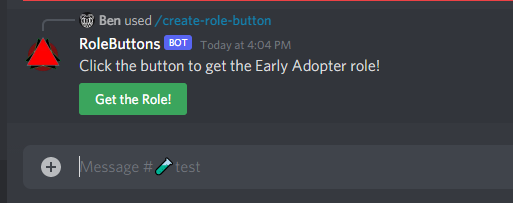
Use the slash command to build a custom button right away. Pick the role, set the label, and choose colors if you want. Members can then tap it to receive or remove the role instantly.
Views: 1